Spend Alerts
- HobbyNot Available
- CoreAvailable
- ProAvailable
- EnterpriseAvailable
- Self HostedNot Available
Configure spend alerts to receive email notifications when your Langfuse Cloud bill exceeds a predefined monetary threshold. These alerts cover what you pay Langfuse for using Langfuse Cloud — not LLM or model costs you track in Langfuse observability. This helps you monitor your Langfuse bill and take action before unexpected charges occur.
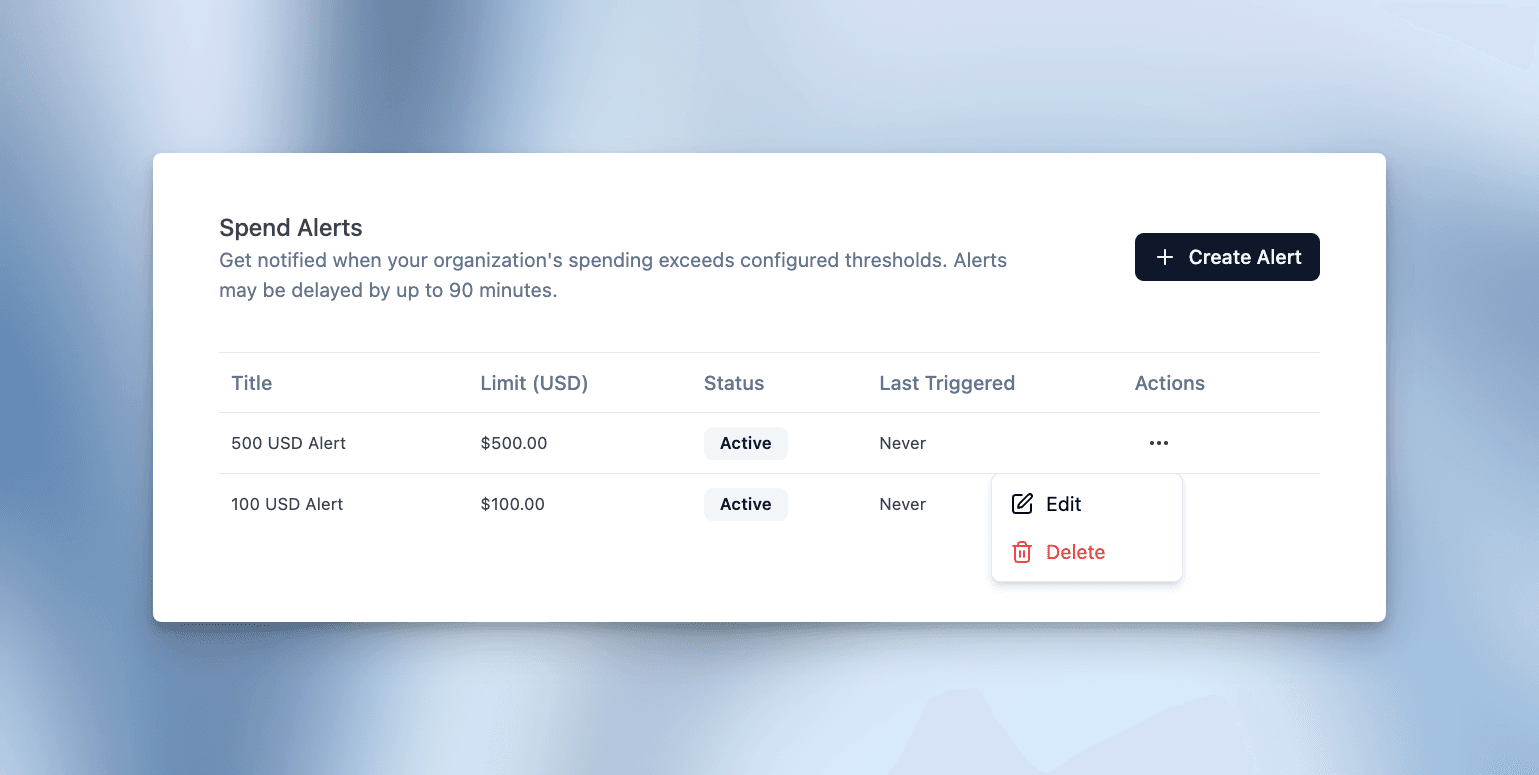
Navigate to your organization settings and the Billing tab to configure spend alerts.
How it works
Spend alerts monitor your organization's total Langfuse Cloud subscription spend. You can set custom thresholds in your organization's billing currency and receive email notifications when spending crosses these limits.
Threshold calculation: Spend is evaluated against the total expected invoice, including base fees, usage-based fees, discounts, and taxes.
Monitoring frequency: We check each organization's usage every 60-90 minutes to ensure timely notifications.
Notifications: Email alerts are sent to all organization members with Owner or Admin roles. Each configured alert triggers at most once per billing cycle to avoid notification fatigue.
Last edited

